Two pricing options and what the client does
iPhone / iPad: $2.99 once on the US App Store, with no monthly client purchase fee. One purchase is shared by iPhone and iPad using the same Apple ID. Mac, Windows, Android and Linux: Free; download the relevant package from this site. Other App Store storefronts show local currency; the checkout page determines the amount charged.
A one-time client purchase is not a service plan. A one-time client purchase is not a service plan. This site does not provide, sell or recommend nodes or subscriptions. All platforms require you to import your own existing subscription or server details.
Shadowrocket reads server parameters, loads configuration and processes traffic according to rules. Getting the client does not provide a server or change the validity period of an existing service. Subscription updates, server parameter validity and successful client installation are separate matters. If an existing service has a problem, first check the subscription response and server status.
What to check after installation
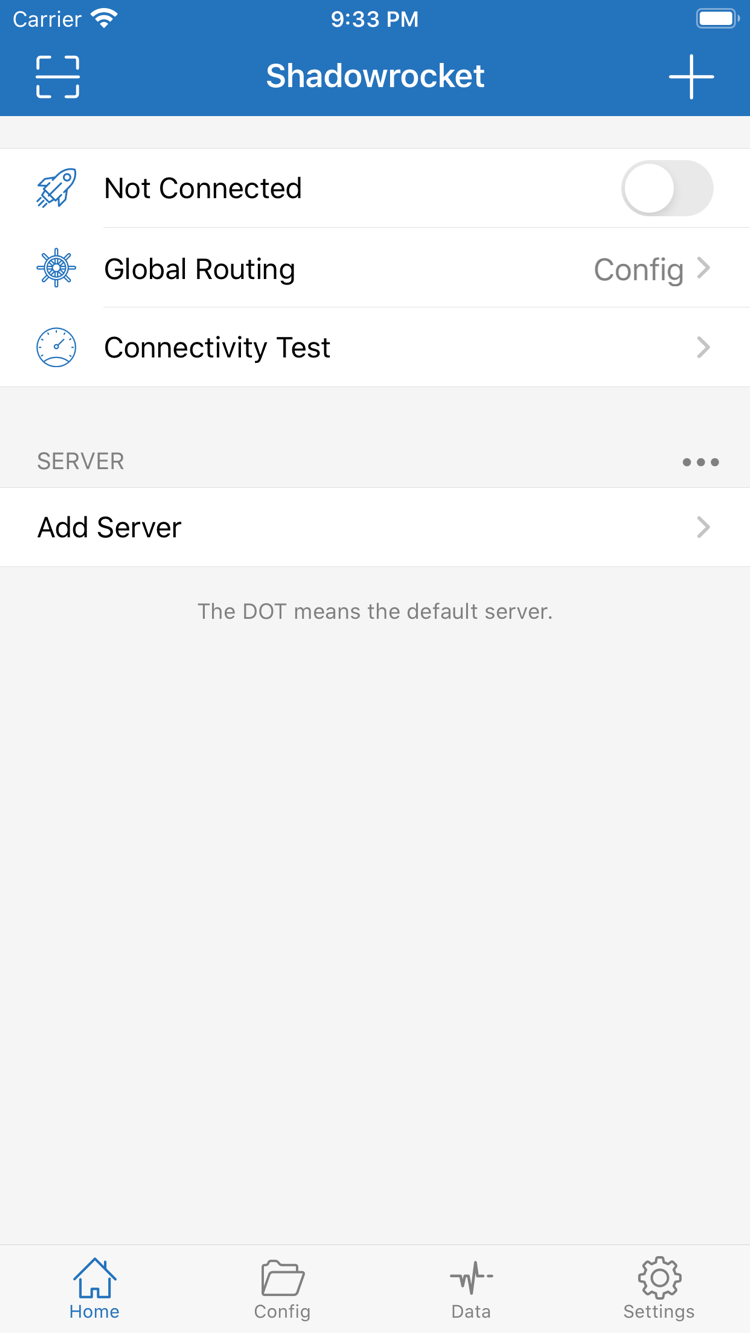
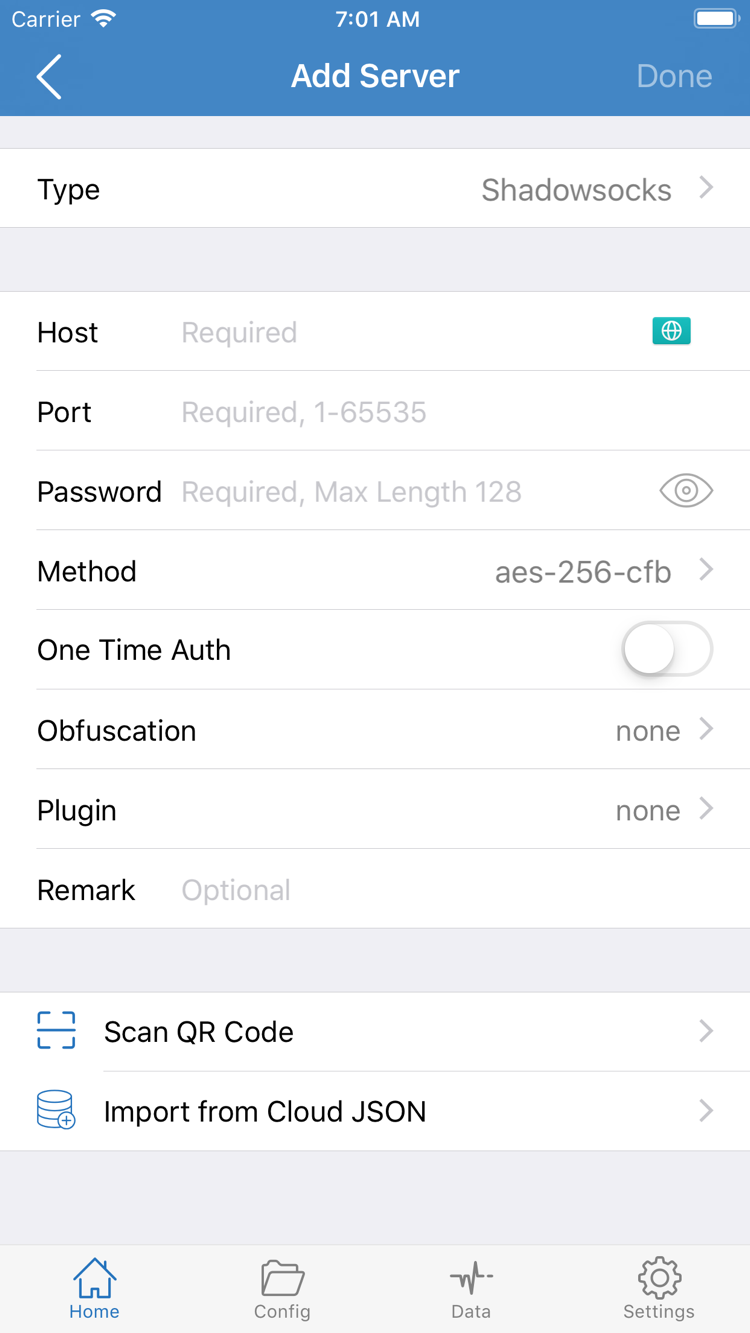
First import existing details in Add Server or Subscribe and check fields such as Type, Host and Port. Then check the configuration file selected in Config and the Global Routing setting. Select Config to process traffic according to configuration rules; switch to Proxy or Direct only when needed for troubleshooting. Finally, turn on the connection and confirm the required permissions when prompted by the system.
Assess Connectivity Test results alongside actual access; seeing a server name in the list alone does not confirm that the configuration is working. If you still cannot connect, note whether the issue occurred during download, installation, import or connection, then read the complete setup guide. When reporting a problem, include the error text and hide Password, credentials in subscription links and other personal information.
Where to find updates
On iPhone / iPad, check for app updates in the App Store account's update list. On Mac, Windows, Android and Linux, return to this page to download the current package. Quit the running app before updating and keep the original configuration. The version number is read dynamically from the page; do not use an article screenshot or an old saved filename to decide whether an update is needed. If the dynamic information is not available yet, refresh the page later.